Call Us
Checklist · PDF + spreadsheet
Find what's wasting budget in your Meta ad account
For owners and in-house marketers running their own Facebook and Instagram ads. A 72-check audit you can finish in about 2 hours, with a scorecard that ranks every fix.
29 pages, 72 checks10 audit areasAbout 2 hoursExcel + Google Sheets scorecard
- 72 checks, each with where to look, a pass, warn and fail line, and the fix
- A scorecard that scores 10 areas and ranks your fix list by itself
- Checked against Meta's latest changes: Advantage+, attribution and tracking
$19One-time · instant download
Score your account, then fix the top 10 first.
- 29-page PDF checklist, print or screen
- Scorecard for Excel, Google Sheets and Numbers
- Download links by email, yours to keep
- Free updates to this edition
Secure checkout by Stripe. Files arrive on screen and by email the moment you pay.
Sound familiar
Costs creeping up, and no clear reason why
Meta accounts change a lot in a year, and small settings left from an old setup can quietly hold results back.
Cost per result keeps rising
Our cost per result keeps creeping up, and I can’t tell what changed.
Learning limited everywhere
Half our ad sets say Learning limited, and I’m not sure whether that matters.
Is the pixel still working
The pixel went in years ago, and I don’t know if Conversions API is working.
Guides written for old Meta
Most guides I find were written before Advantage+ changed how campaigns are set up.
Cheap leads sales won't use
We get plenty of cheap leads, and sales says most of them go nowhere.
Who owns the account
An agency set up the account, and I’m not sure our business owns it.
50
results in the week after the last significant edit is roughly what an ad set needs to exit Meta’s learning phase. Ad sets that can’t get there are marked Learning limited.
Source: Meta Business Help Center
What you get
A checklist to work through, and a scorecard that ranks the fixes
Check IDs match between the PDF and the spreadsheet, so every Fail on your fix list points straight to its page.
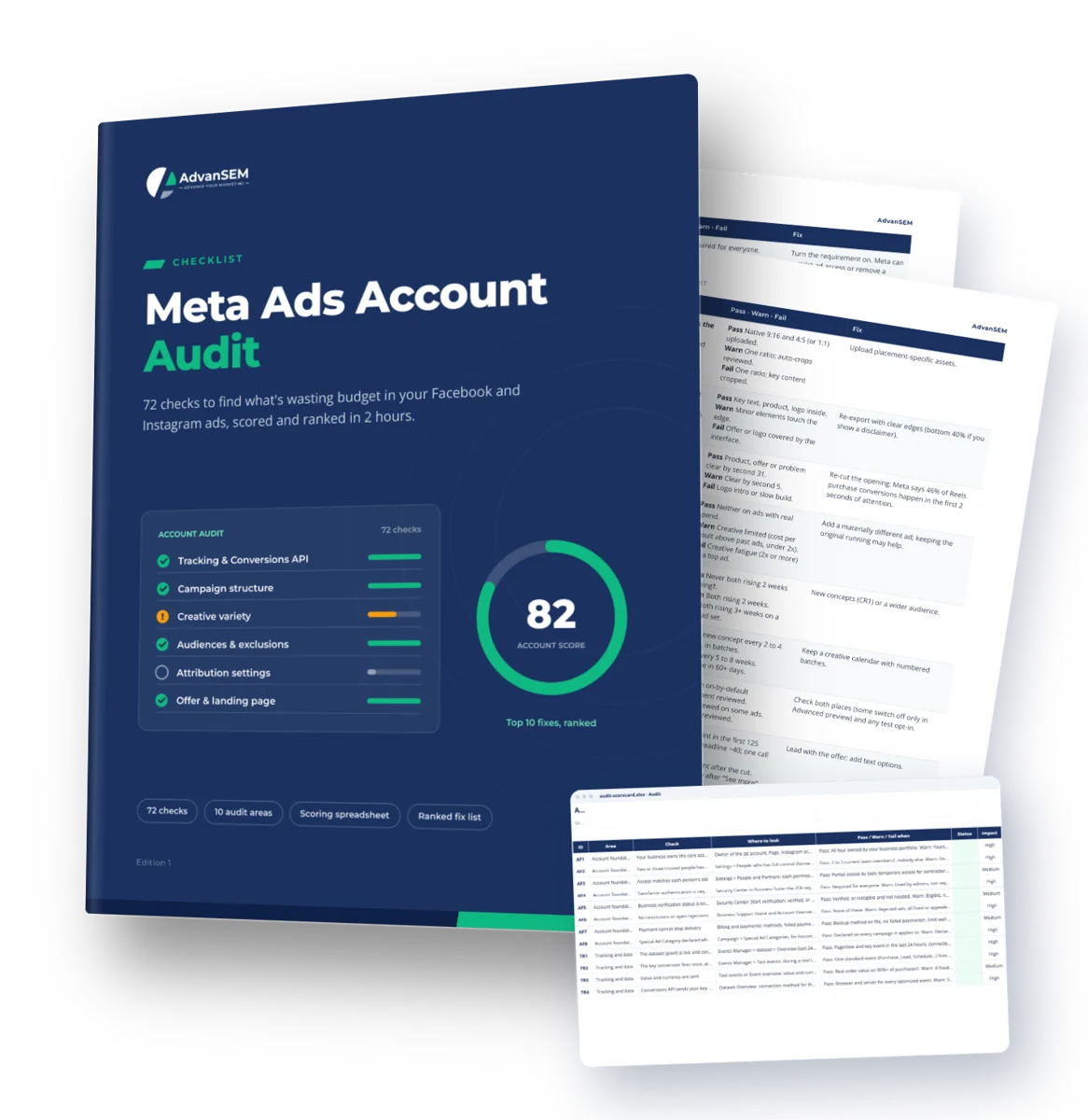
The audit (PDF, 29 pages)
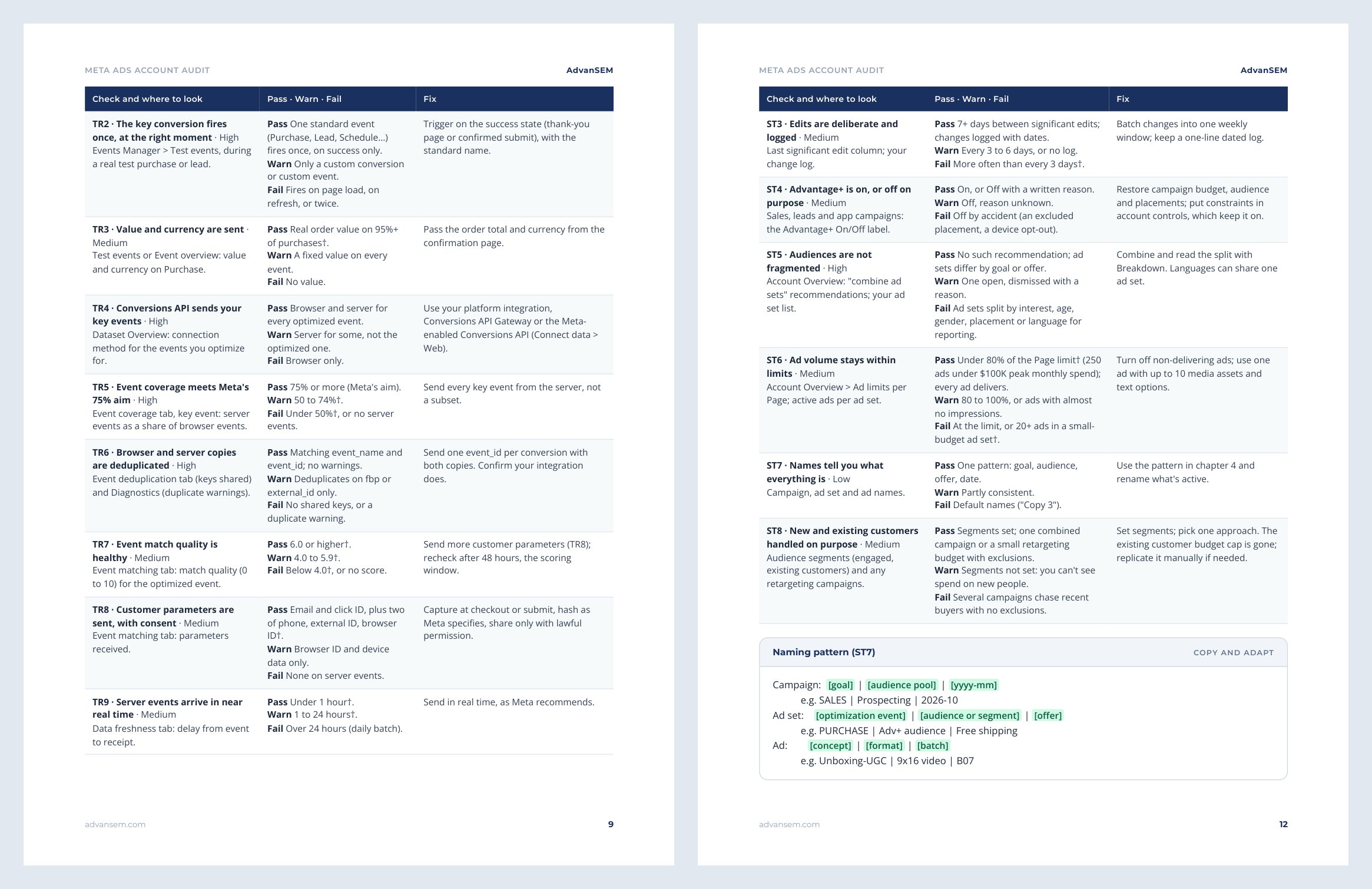
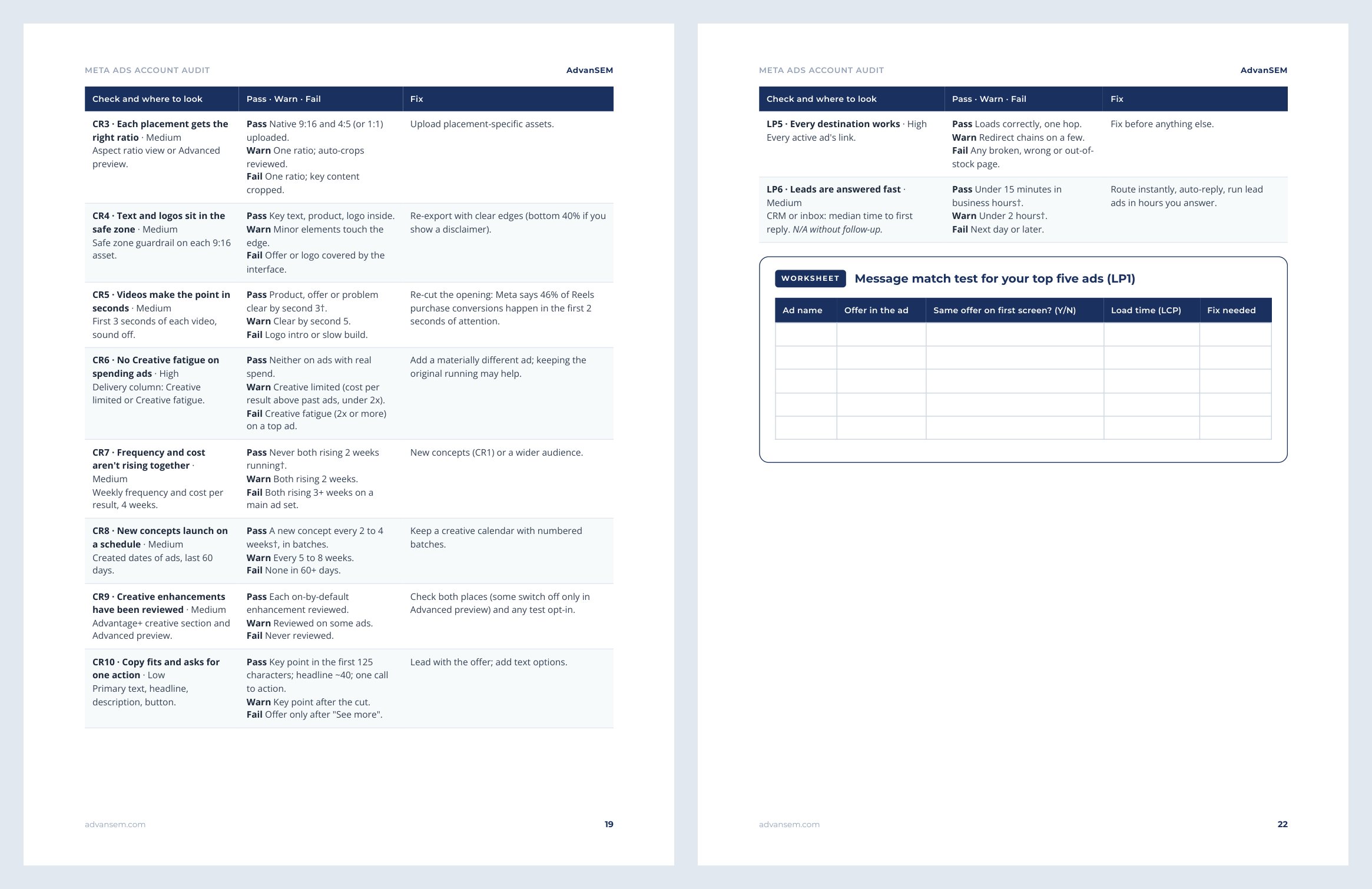
11 chapters and 72 checks, each with an impact rating, where to look, a pass, warn and fail line and the fix. Plus 2 worksheets, 2 templates and 3 case studies.
The scorecard (XLSX, 5 sheets)
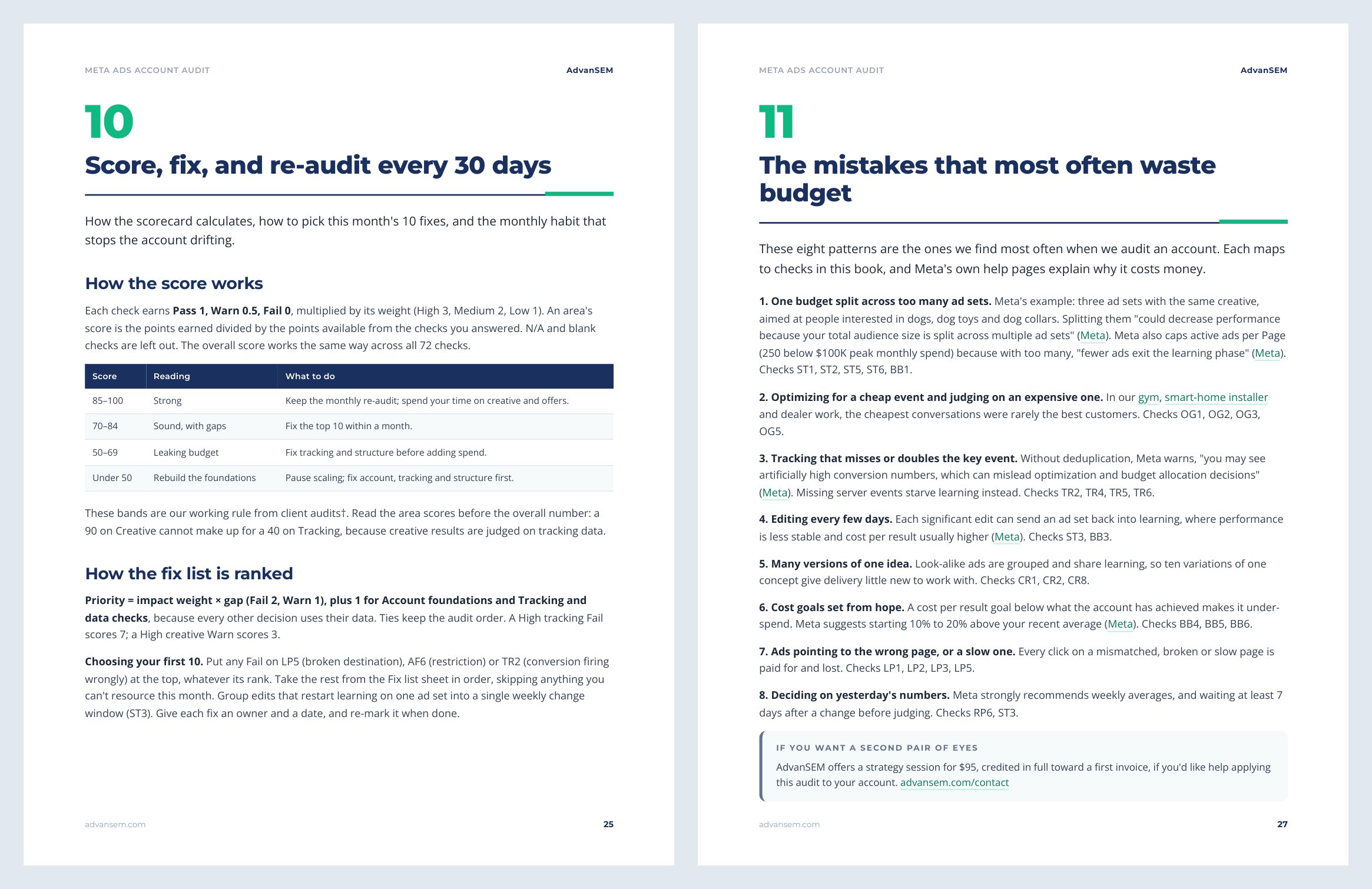
Mark each check Pass, Warn, Fail or N/A. It scores every area and the account, ranks your fixes with the first 10 highlighted, and logs each monthly re-audit.
72 checks in 10 areas
Foundations 8, tracking 12, structure 8, budget 6, optimization goals 5, audiences 7, creative 10, placements 3, landing page 6 and reporting 7.
Chapter by chapter
- What changed recently
- Account foundations
- Tracking and data
- Structure and learning
- Budget, bidding and optimization goals
- Audiences
- Creative and placements
- Offer and landing page
- Reporting and your source of truth
- Score, fix, and re-audit every 30 days
- The mistakes that most often waste budget
Look inside
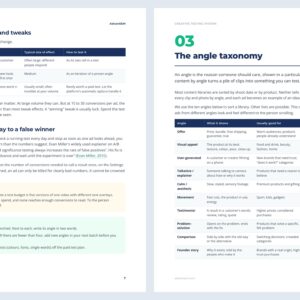
Real pages from the audit
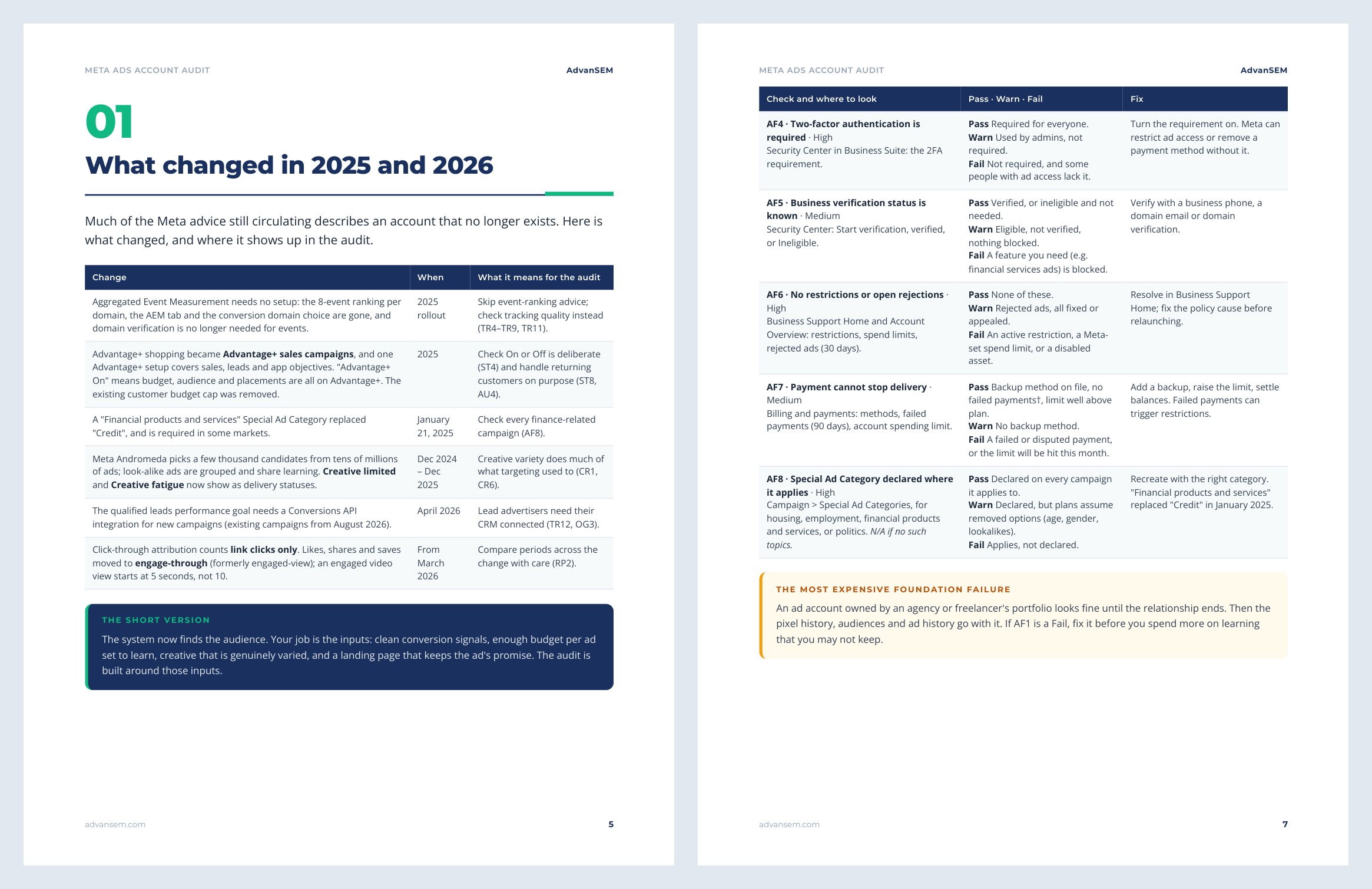
The free sample includes the recent-changes table and the full Account foundations chapter.
After you work through it
What you will know after the first audit
- That your business owns and controls its ad account, Page, Instagram account and pixel
- Whether Pixel and Conversions API count your key conversion once, with good match quality
- Where budget is split too thinly to learn, and how to restructure so each ad set can reach about 50 results a week
- Whether you have real creative variety or variations of one idea, and when Creative fatigue starts
- Your first 10 fixes, ranked, and a 45-minute re-audit routine for every 30 days
From our work
The same checks we run for clients
Both projects appear as case studies in the audit and are written up on our site, with the numbers.
LEAD GENERATION
14,898 Meta leads at $11.63 each
A used-car dealer group moved budget to website applications that cost about twice as much per lead but qualified far better.
ONLINE SALES
1,705 Meta orders at a 4.34 return in four months
A sparkling drink brand ran its sales angles as separate ad sets and rotated creative in numbered batches.
Is it right for you
Who gets the most from it
Made for you if
- You own the business and run your own Facebook and Instagram ads
- You are an in-house marketer who inherited an account and wants to know what's in it
- You spend roughly $1,000 a month or more and want a repeatable monthly check
Probably not for you if
- You have never launched a campaign: Meta's own setup guides come first
- You need help with a policy appeal or recovering a stolen account
- You want to audit TikTok, Google or Snapchat ads: this covers Meta only
How to use it
STEP 1
Get access ready
Open Ads Manager and Events Manager for the last 30 days, with your own orders or CRM numbers beside them.
STEP 2
Audit, about 2 hours
Work through the 10 areas in order, foundations and tracking first, marking each check in the scorecard.
STEP 3
Fix the top 10
Open the Fix list sheet and start with the highest-ranked Fails.
STEP 4
Every 30 days, about 45 minutes
Re-audit and log the new scores to see what moved.
The scorecard works in Excel, Google Sheets and Numbers. No macros, no add-ons, no account to create.
Questions
What advertisers ask before they download
What format is it, and what do I need to open it?
A PDF you can read on screen or print, and an .xlsx scorecard that works in Microsoft Excel, Google Sheets and Apple Numbers. No macros and no add-ons.
Who is it for?
Owners and in-house marketers running their own Facebook and Instagram ads, at roughly $1,000 a month or more. It is an audit of a running account, not a beginner's setup guide.
Do I need to be an expert?
No. Each check says exactly where to look and what counts as a pass. You need access to Ads Manager and Events Manager, ideally with full control of the business portfolio.
Does it work for lead generation as well as online sales?
Yes. Lead-specific checks, such as CRM feedback, lead quality goals and response time, can be marked N/A by stores and drop out of the score.
How do I receive it?
The download links appear on screen as soon as payment completes, and the same links arrive by email. They keep working, so you can download again later.
Instant download
Audit your account this week
The 72-check audit and the scorecard, delivered the moment you pay.
$19One-time · instant download
Score your account, then fix the top 10 first.
- 29-page PDF checklist, print or screen
- Scorecard for Excel, Google Sheets and Numbers
- Download links by email, yours to keep
- Free updates to this edition
Secure checkout by Stripe. Files arrive on screen and by email the moment you pay.
Pairs well with