Call Us
Toolkit · PDF + workbook + brief
Conversion tracking you can make budget decisions on
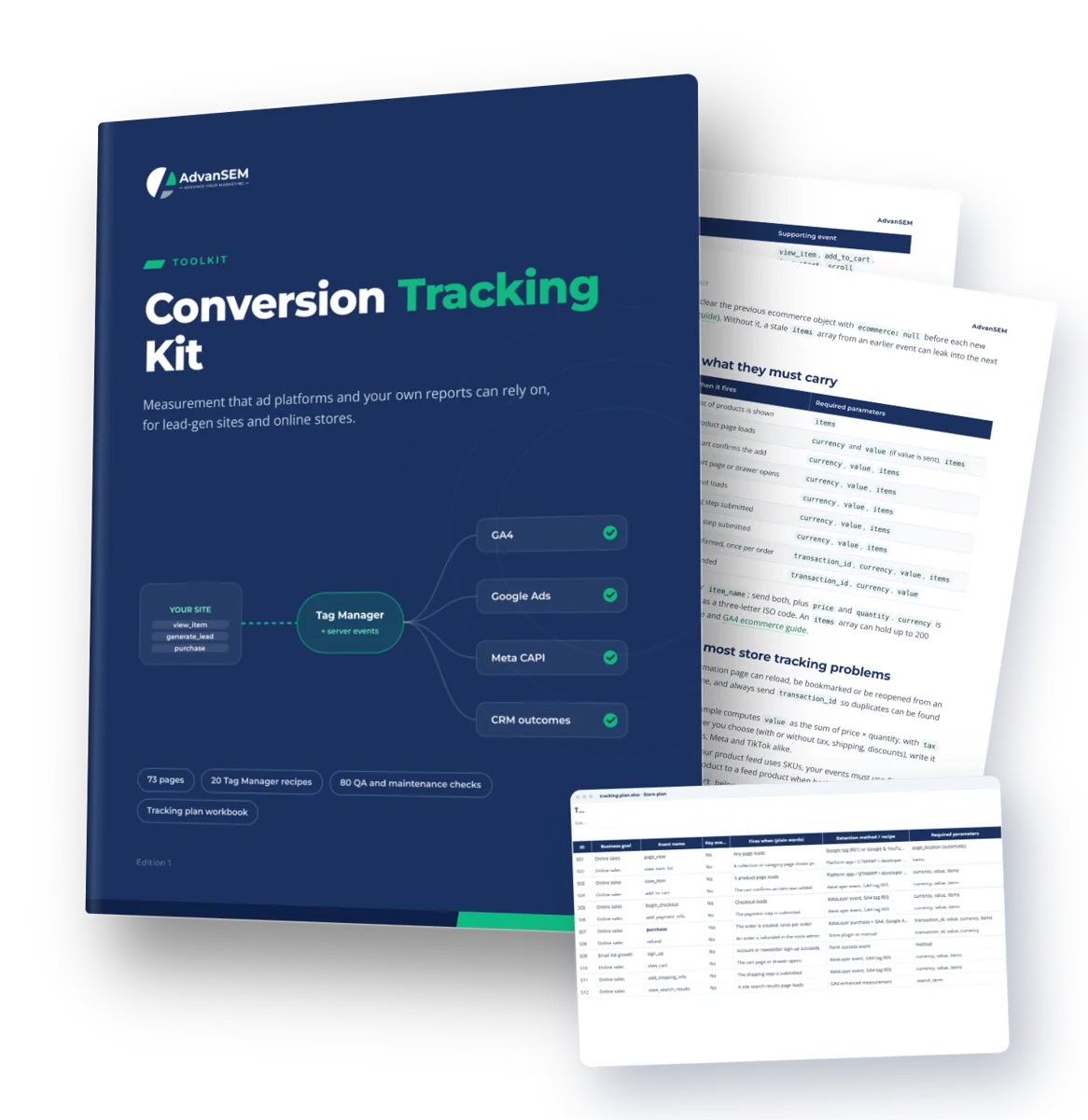
For owners and marketers running lead-gen sites or online stores. A 73-page manual from measurement plan to tested GA4, Tag Manager, Meta, Google Ads, TikTok and CRM tracking.
73 pages, 15 chapters20 Tag Manager recipes80 QA and maintenance checksExcel + Google Sheets workbook
- 20 Tag Manager recipes written out field by field, so your container uses your names and only what you need
- Shopify and WooCommerce paths, plus lead forms, calls, WhatsApp and bookings
- A 60-point launch QA checklist, a tracking plan workbook and a brief to hand a developer
$89One-time · instant download
Plan it, build it, test it, then report from one source of truth.
- 73-page PDF, Excel workbook and Word developer brief
- Excel, Google Sheets, Word and Google Docs
- Download links by email, yours to keep
- Free updates to this edition
Secure checkout by Stripe. Files arrive on screen and by email the moment you pay.
Sound familiar
Tracking that grew one tag at a time, with no plan behind it
Most setups weren't designed; they were added piece by piece, by different people, over several years.
No agreed source of truth
We’ve never decided which system our budget decisions should come from.
Cheap leads, unhappy sales
Our leads look cheap, but sales says many of them aren’t worth a call.
A container nobody owns
Someone set up Tag Manager years ago, and nobody knows what’s in it now.
Browser and server events
We added the Conversions API, and I’m not sure it’s set up to deduplicate with the pixel.
Tracking that stopped quietly
We changed the checkout, and weeks later found the purchase tag had stopped firing.
Too many new settings
Consent mode, enhanced conversions, server-side: I don’t know which of these we actually need.
10%
median increase in conversions for advertisers who sent first-party data, such as email and phone, alongside click IDs in their offline imports, compared with standard imports.
Source: Google Ads Help
What you get
A manual to build from, a plan to fill in, a brief to hand over
Event IDs and QA checks match across the PDF and the workbook, so you plan, build and tick off in the same order.
The manual (PDF, 73 pages)
15 chapters, 20 Tag Manager recipes (R01 to R20), 3 worksheets, an 11-row debugging table and 8 examples from our projects, with every source linked.
Tracking plan workbook (XLSX, 9 tabs)
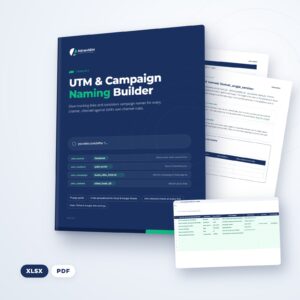
Pre-filled store and lead-gen plans with 13 events each, a blank plan, a 100-row UTM builder, the 60 launch and 20 monthly checks, and a 24-month results sheet.
Developer brief (DOCX)
An editable dataLayer specification for store and lead events, the user_data rules, hidden-field requirements and 6 acceptance tests.
Chapter by chapter
- Write the measurement plan before any tag
- Set up the GA4 property
- Structure your Tag Manager container
- Consent mode v2: the basics that matter
- Ecommerce events and the dataLayer
- The Shopify path
- The WooCommerce path
- Lead events done right
- Meta and TikTok: pixels and server events
- Google Ads conversions and enhanced conversions
- Send CRM outcomes back to the ad platforms
- UTM conventions that keep channels clean
- One source of truth for business results
- QA and debugging
- Launch QA and monthly maintenance
Look inside
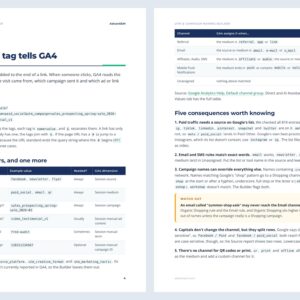
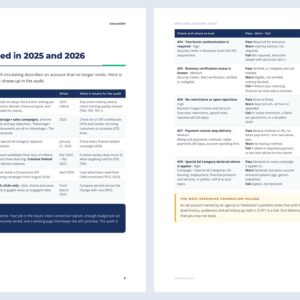
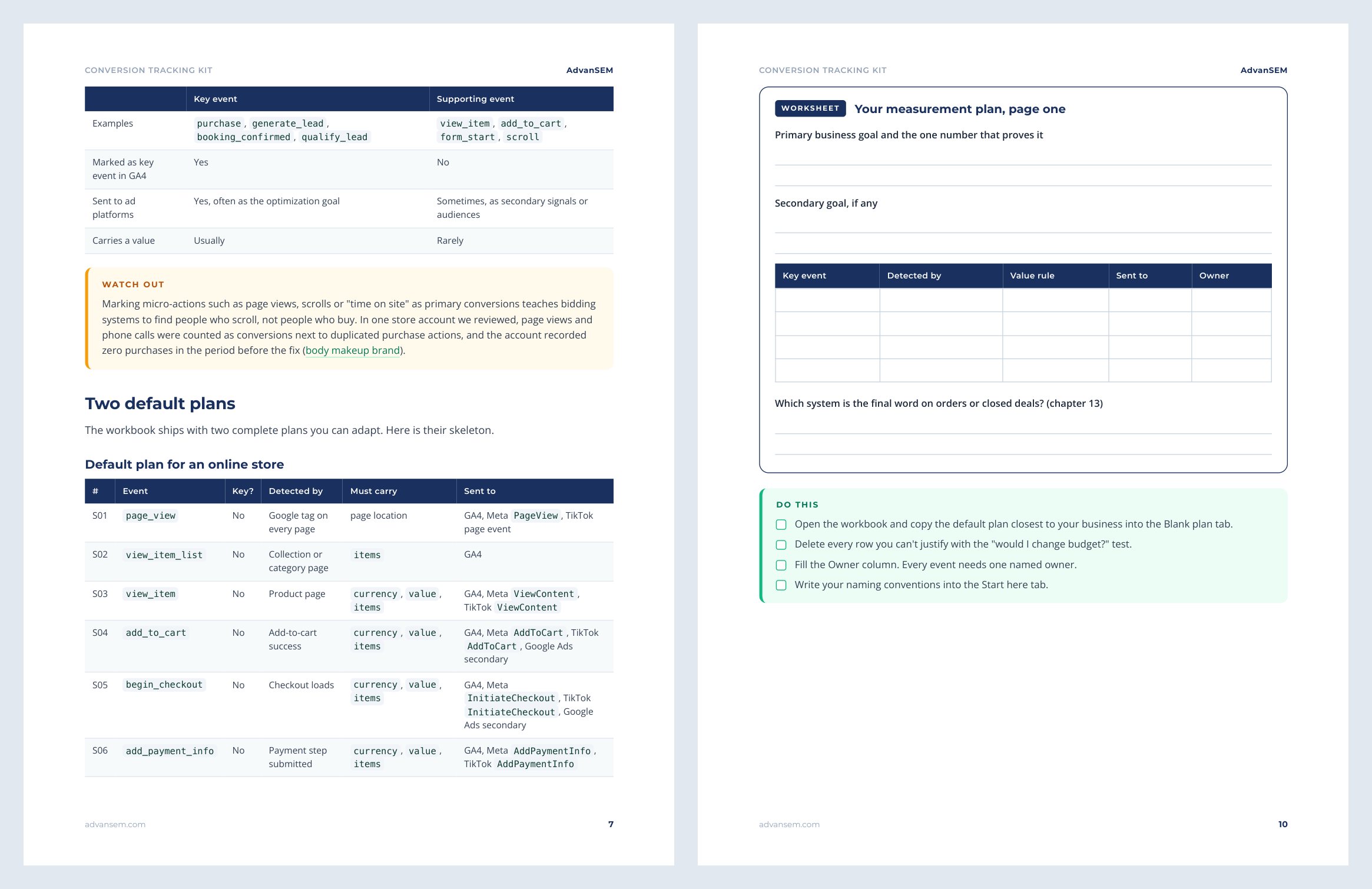
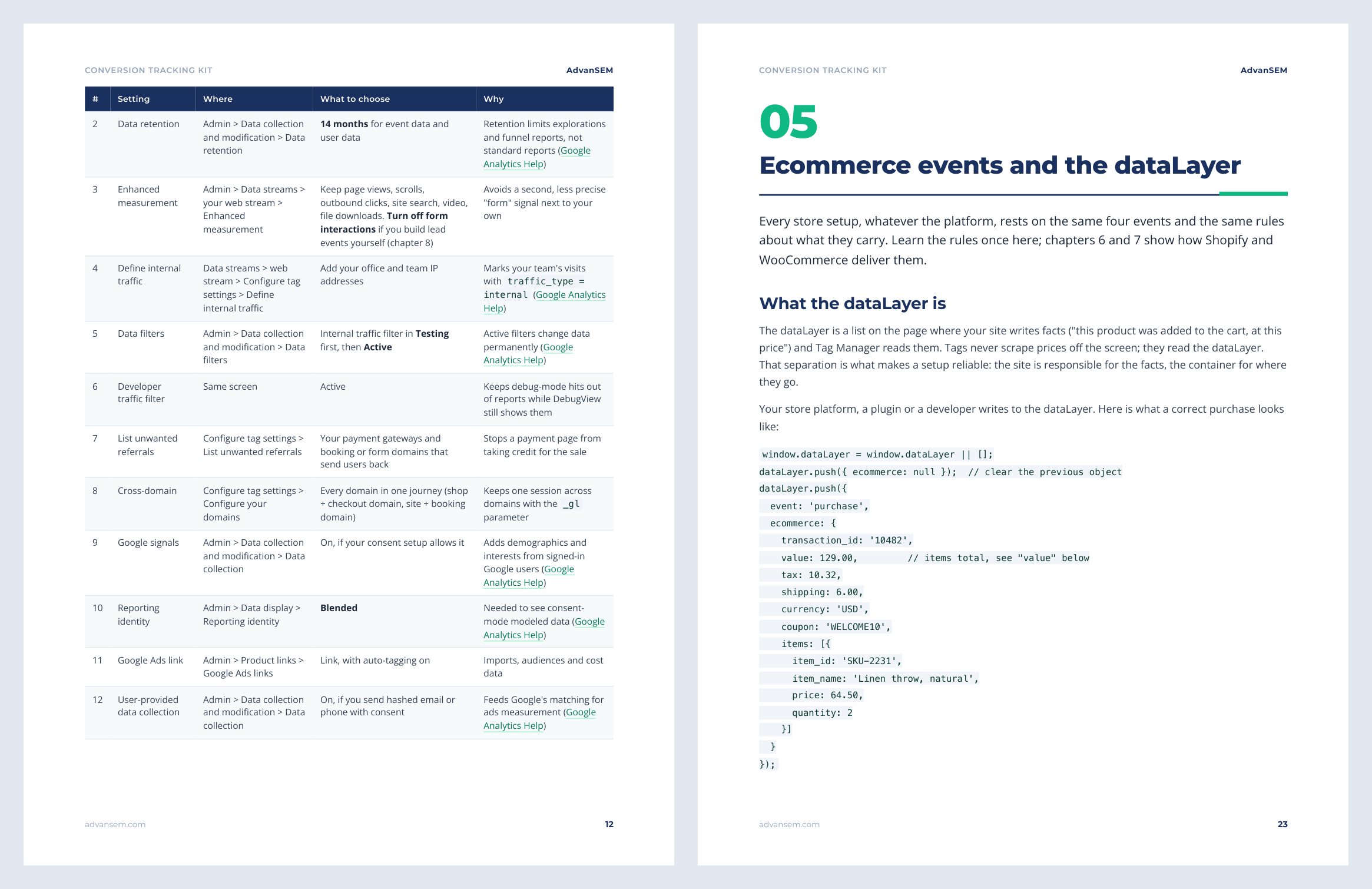
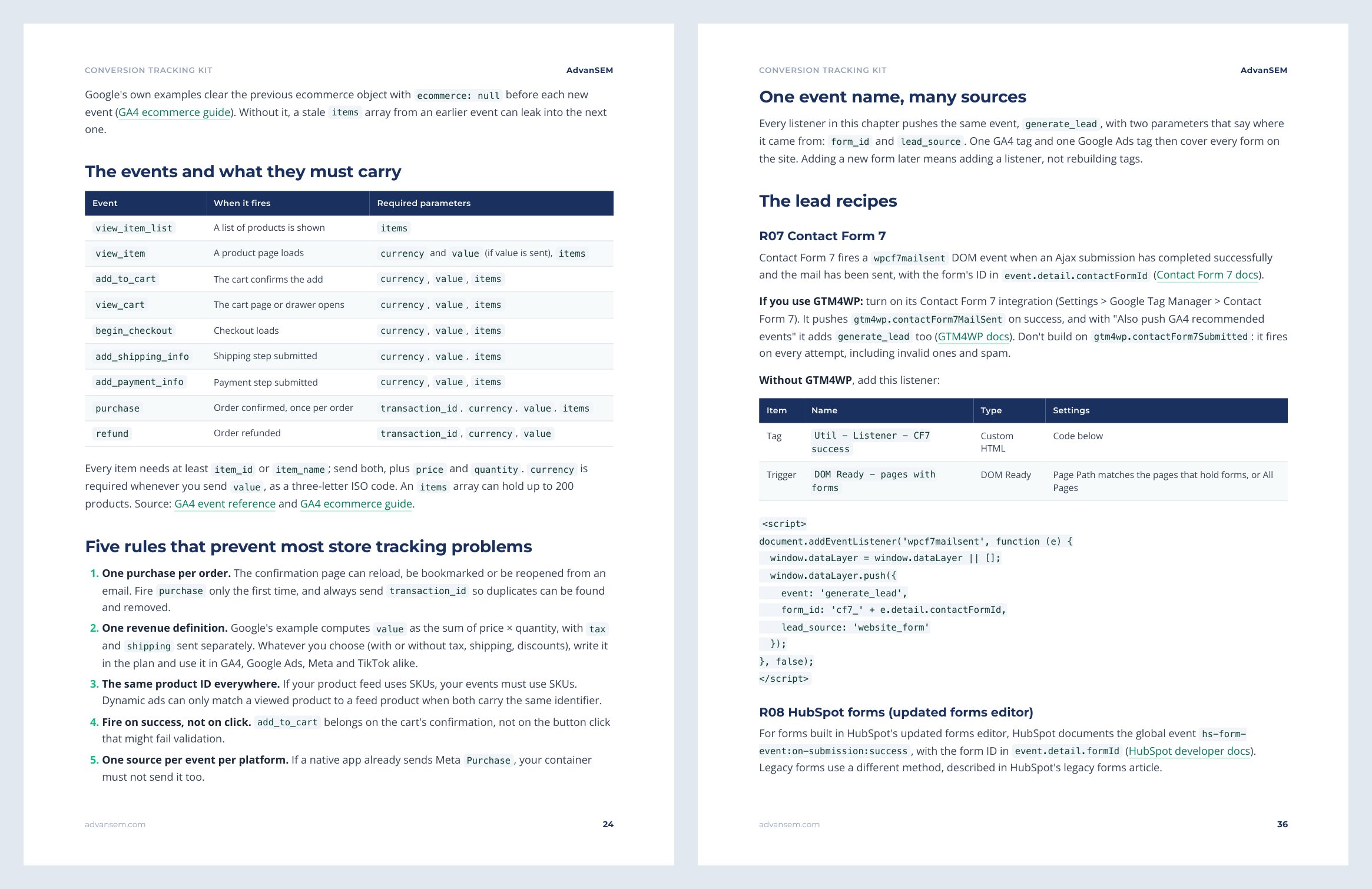
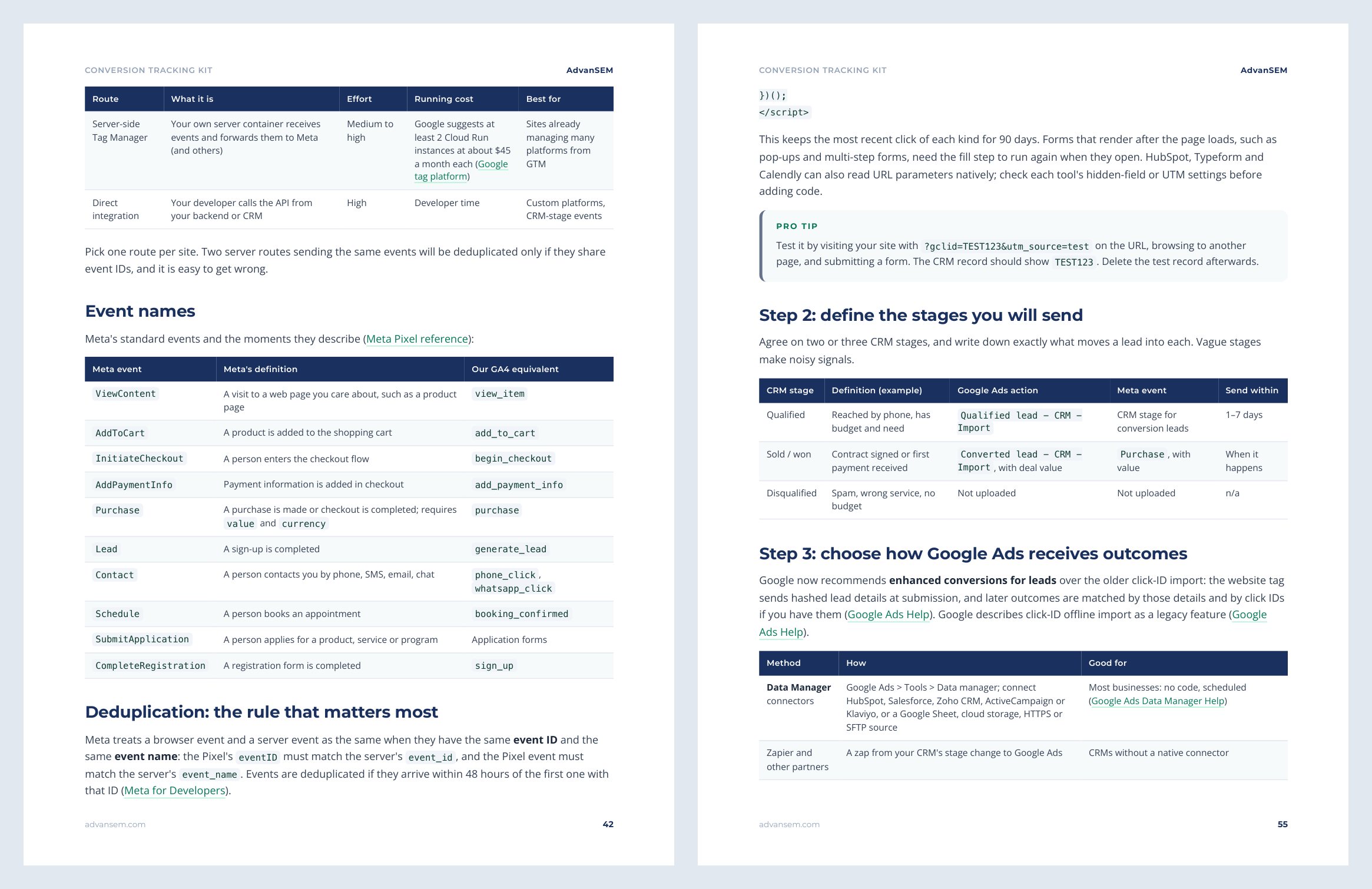
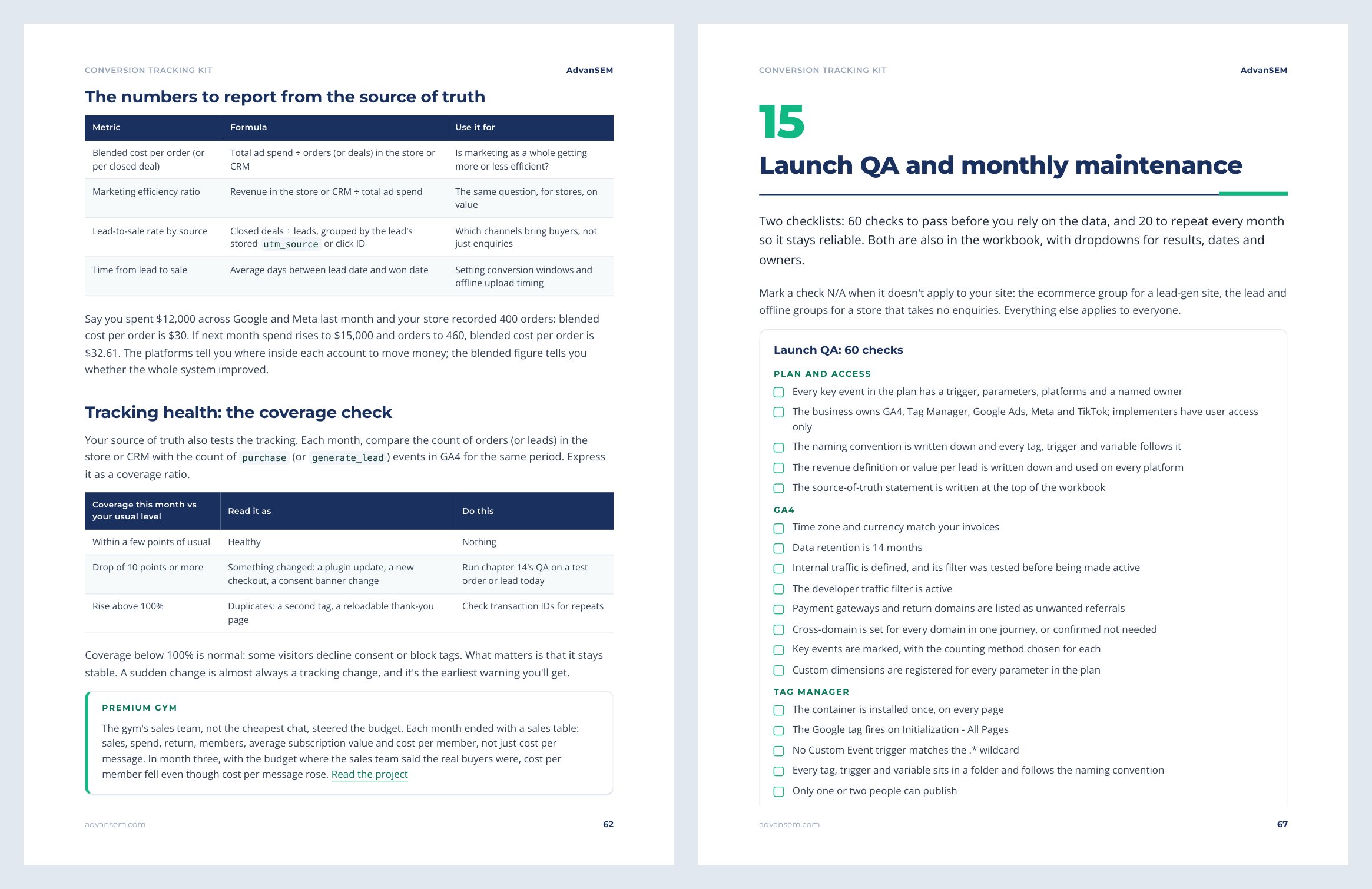
Real pages from the kit
The free sample includes the route table, which shows the chapters each type of site needs, and the opening of chapter 1 on the measurement plan.
After you work through it
What you will have running when you finish
- A measurement plan, with naming and values, agreed before anyone touches a tag
- GA4, Tag Manager and consent mode set up so your data is complete and readable
- Purchases and leads that fire once, on success, with the right value, on Shopify, WooCommerce or any CMS
- Meta and TikTok browser and server events that deduplicate, and Google Ads with enhanced conversions
- Qualified leads and sales sent back from your CRM, and one source of truth for business results
From our work
The same tracking work we do for clients
Both projects appear in the kit and are written up on our site, with the numbers.
ONLINE SALES
From 0 to 115 recorded purchases within weeks
A body makeup brand cleaned its Google Ads conversions to purchases only and removed duplicates, then bought purchases at $13.87 each.
LEAD GENERATION
2,153 vehicles sold in a year, tracked in the CRM
A used-car dealer group rebuilt its forms with one conversion action each and sent CRM records back into Google, so bidding learned from applications.
Is it right for you
Who gets the most from it
Made for you if
- You own the business or market it in-house, run paid ads, and want numbers you can act on
- You are a freelancer or junior marketer who sets up tracking for clients and wants one standard process
- You are a developer asked to "add the tracking" and want an exact specification
Probably not for you if
- You need app tracking with Firebase or app SDKs
- You model data in a warehouse or build multi-touch attribution across business units
- You want a ready-made importable GTM container, or legal advice on privacy
How to use it
STEP 1
Start with the plan
Fill in chapter 1 and the workbook’s plan tab: what counts as success, the names and the values.
STEP 2
Build the foundations
Set up GA4, Tag Manager and consent mode, then your store path or your lead events.
STEP 3
Connect the ad platforms
Add Meta, TikTok and Google Ads, send CRM outcomes back, then set your UTMs and source of truth.
STEP 4
Test, then maintain
Run the 60-point launch QA, give the data a week to settle, then do the 20 monthly checks.
Plan on one to two working days for a lead-gen site and two to four for a store with server-side events. The workbook works in Excel and Google Sheets, the brief in Word and Google Docs. No macros, no plugins.
Questions
What owners and marketers ask before they download
What format is it, and what do I need to open it?
A 73-page PDF with clickable links, an .xlsx workbook that works in Excel and Google Sheets, and a .docx brief you can edit in Word or Google Docs. No macros and no plugins.
Who is it for?
Owners, in-house marketers, freelancers and developers working on lead-gen sites or online stores that run ads on Google, Meta or TikTok. For custom stores or server-side setups, the developer brief tells a developer exactly what to build.
Does it include an importable GTM container?
No, on purpose. Every tag, trigger and variable is written out as a recipe you rebuild in 5 to 15 minutes, so your container uses your names and only what your site needs.
Does it work for Shopify and WooCommerce?
Yes. Each has its own chapter: Shopify's native apps and custom pixels, and WooCommerce's official plugins or GTM4WP with your own container. Lead-gen sites on any CMS are covered too.
How do I receive it?
The download links appear on screen as soon as payment completes, and the same links arrive by email. They keep working, so you can download again later.
Instant download
Build tracking you can plan your budget on
The manual, the tracking plan workbook and the developer brief, delivered the moment you pay.
$89One-time · instant download
Plan it, build it, test it, then report from one source of truth.
- 73-page PDF, Excel workbook and Word developer brief
- Excel, Google Sheets, Word and Google Docs
- Download links by email, yours to keep
- Free updates to this edition
Secure checkout by Stripe. Files arrive on screen and by email the moment you pay.
Pairs well with