

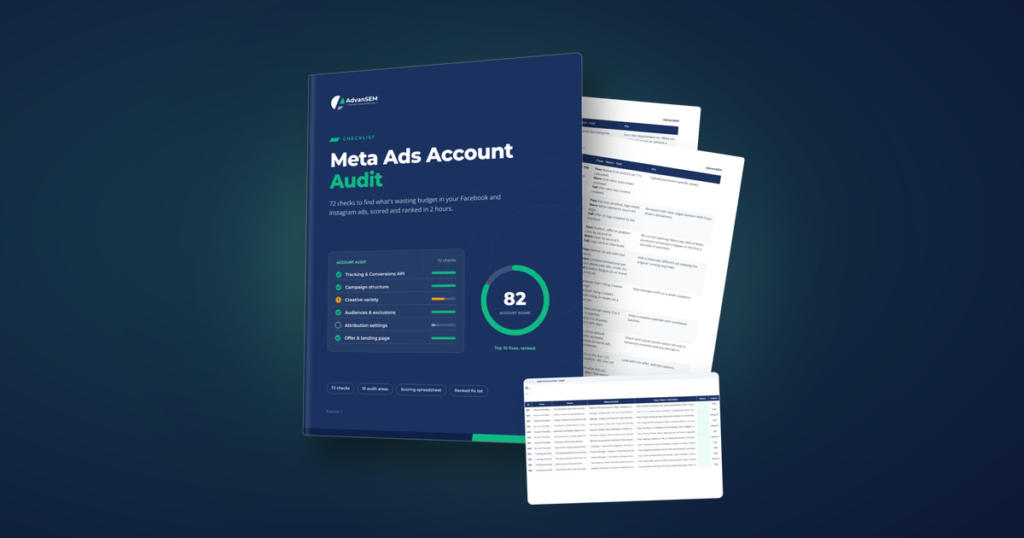
The Meta Ads Account Audit is a 72-check playbook for owners and in-house marketers who run their own Facebook and Instagram ads. In about two hours it shows what is holding the account back, scores 10 areas and hands you a ranked list of the first fixes to make, then gives you a 45-minute routine to repeat every 30 days.
Picture the owner of a growing skincare brand on a Monday morning. Sales are fine, but the ad account feels heavier every month. Cost per purchase has crept up for the third month running, half the ad sets say “Learning limited”, and nobody is quite sure whether the pixel installed years ago is still doing its job.
Nothing is obviously broken. That is the problem. A Meta account rarely fails in one dramatic moment. It drifts, one sensible-looking setting at a time, until the budget is quietly working against itself.
The slow leak most ad accounts develop
Most wasted budget on Meta comes from settings that once made sense and were never revisited. An agency set up the account, a new campaign was copied from an old one, an audience was split “for reporting”, and each choice stayed in place long after anyone remembered why.
Costs creep, no clear cause
Cost per result rises a little every month and nothing in the dashboard explains it.
Learning limited everywhere
Ad sets never settle, and it is hard to tell whether that matters.
Cheap leads sales won’t use
The account reports plenty of leads, and the sales team says most go nowhere.
Unclear ownership
Someone else built the account, and it is not certain the business controls its own Page, pixel and ad account.
Guides written before Advantage+ changed how campaigns are built make it harder. Advice that was right a few years ago can now push an account in the wrong direction.
Why a healthy-looking account can still waste money
Meta’s delivery system learns per ad set, and it needs enough results to learn well. According to Meta’s Business Help Center, an ad set usually leaves the learning phase after about 50 results in the week after its last significant edit. Split one budget across too many ad sets, or edit them every few days, and none of them gets there.
That one rule explains a lot of quiet waste. The audit turns it into a simple test for every main ad set:
At a $30 cost per purchase: $30 × 50 ÷ 7 = about $214 a day. A $300 daily budget feeds one ad set well, not four starved ones.
The same logic runs through the other areas. The event you optimise for decides who Meta looks for, so an account that optimises for landing page views will find people who land, not people who buy. Ten variations of one ad give delivery little new to work with. A cost goal set below what the account has ever achieved makes it under-spend.
The cheapest event to buy is rarely the most valuable one to own.
What is inside the audit
The playbook has two parts that work together: a 29-page PDF with the checks, and a spreadsheet scorecard that does the scoring for you. Every check carries the same ID in both, so a Fail on your fix list points straight to the page that explains it.
The audit (PDF)
- 11 chapters and 72 checks
- For each check: an impact rating, where to look, a pass, warn and fail line, and the fix
- Two worksheets, two templates and three case studies
- A chapter on what changed recently in Meta, so you are not working from old advice
The scorecard (spreadsheet)
- Mark each check Pass, Warn, Fail or N/A
- Scores every area and the whole account
- Ranks your fixes and highlights the first 10
- Logs each monthly re-audit, so you can see what moved
The scorecard works in Excel, Google Sheets and Apple Numbers, with no macros, no add-ons and no account to create.
Two hours, in an order that matters
The audit runs foundations and tracking first, because every later check depends on them. If the data Meta learns from is broken, the budget, bidding and creative checks are measuring noise.
- Get access ready Open Ads Manager and Events Manager for the last 30 days, with your own orders or CRM numbers beside them.
- Work through the 10 areas Foundations and tracking first, marking each check in the scorecard as you go. Plan on about two hours.
- Fix the top 10 Open the fix list and start with the highest-ranked Fails. Impact is ranked by how much budget or learning a failure usually costs, not by how hard the fix is.
- Re-audit every 30 days About 45 minutes. Log the new scores and see what moved.
Tip: Mark a check Warn whenever you are unsure, and write what you saw in the notes column. A Pass means the pass line is true today, not “mostly”.
What changes after the first audit
The value is not a long report. It is a short list of answers that were fuzzy before.
- Whether your business owns and controls its ad account, Page, Instagram account and pixel
- Whether Pixel and Conversions API are both sending your key conversion, with good match quality
- Where budget is split too thinly to learn, and how to restructure so each ad set can reach about 50 results a week
- Whether you have real creative variety or variations of one idea, and when creative fatigue starts
- Your first 10 fixes, ranked, and a routine that keeps the account from drifting again
For a lead business, the audit also asks the harder question: is Meta finding people who become customers, or just people who fill in forms? Lead-specific checks cover CRM feedback, lead quality goals and response time. A store marks those N/A and they drop out of the score.
The same checks behind real results
The audit is the one we run when a business asks why its Facebook and Instagram ads cost more than they should. Two of the projects written up on our site appear in it as case studies.
In the dealer’s case, website applications cost about twice as much per lead as message clicks, yet qualified far better. That is the kind of decision the audit is built to surface: the right event, not the cheapest one.
See every check before you start
The audit page shows the chapters, sample pages and a free sample with the recent-changes table and the full account foundations chapter.
Is it the right playbook for you?
It is written for a running account, not a first launch.
A good fit if
- You own the business and run your own Facebook and Instagram ads
- You inherited an account and want to know what is in it
- You spend enough that waste matters and want a check you can repeat monthly
Not the right tool if
- You have never launched a campaign: Meta’s own setup guides come first
- You need a policy appeal or a hacked-account recovery
- You want to audit TikTok, Google or Snapchat ads: this covers Meta only
If the audit raises a budget question, our guide on how much to spend on ads picks up from there.
What advertisers ask about the Meta Ads Account Audit
Do I need to be an expert to run the audit?
No. Each check says exactly where to look and what counts as a pass. You need access to Ads Manager and Events Manager, ideally with full control of the business portfolio.
Does it work for lead generation as well as online sales?
Yes. Lead-specific checks, such as CRM feedback, lead quality goals and response time, can be marked N/A by stores and drop out of the score.
Can I see part of it first?
Yes. A free sample on the playbook page includes the recent-changes table and the full account foundations chapter.
How do I receive the files?
The download links appear on screen as soon as payment completes, and the same links arrive by email. They keep working, so you can download again later.